Reply from one inbox
Open a conversation and reply through a channel your team has connected, such as email or SMS.
HIVE software · Mobile access
Answer a customer, check their history and see what’s booked next without waiting until you’re back at your desk.
For customers with an active HIVE workspace. Available tools depend on your account and permissions.
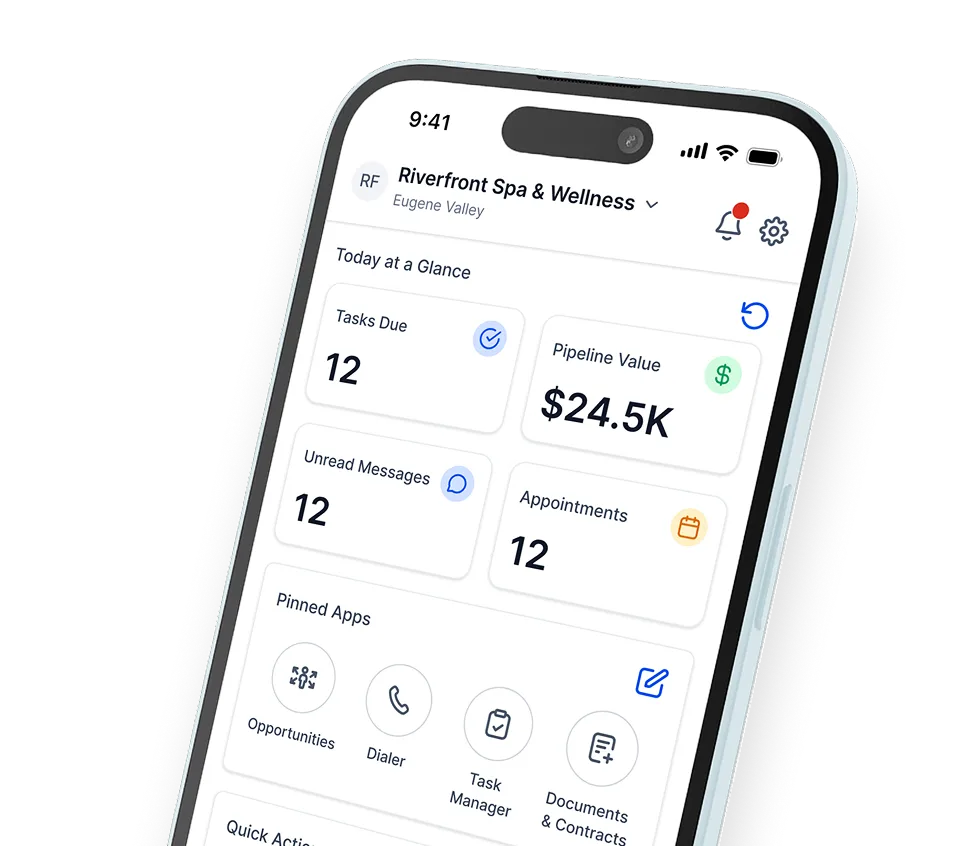
Three everyday tasks
Open a conversation and reply through a channel your team has connected, such as email or SMS.
Check the contact record and conversation history before a call or follow-up. Update the opportunity when your role allows it.
Check upcoming appointments and review the booking details before you head out.
For existing customers
Open your HIVE onboarding instructions and check which app your workspace uses.
Sign in with the account invited to your HIVE workspace. Select the correct business if you see more than one.
Open an existing conversation or appointment to confirm you’re in the right workspace before making changes.
Does your setup email say LeadConnector? Use the official store for your phone. If it names a different app, follow your invite.
Common questions
Reply through supported inbox channels, view contact details and opportunities, or check appointments. The tools you see depend on your workspace, connected channels, app version and role.
Use the app named in your workspace’s onboarding instructions. If you are not sure which listing applies, ask the Local Digital Buzz team before installing.
No. Use mobile for everyday conversations, quick updates and appointment checks. Use HIVE on the web for setup and more involved work.
Check that you are using the account invited to HIVE and have selected the right workspace. Your administrator can verify your permissions and setup.
Platform documentation: Mobile conversations · Mobile contacts · Mobile appointments
Not sure which app to install, or missing a workspace after sign-in? Our team can help you check your setup.
Email Local Digital Buzz