REVIEW GENERATION
Ask for an honest review after every eligible job.
Stop relying on staff to remember. We help you choose when to ask, send customers to the right Google profile and give your team a clear way to handle concerns.
Start with one location and one customer milestone.
THE MOMENT TO ASK
Make it a routine, not a popularity contest.
Home services
Use the job-complete status after the work is done, not after a positive survey.
Appointment businesses
Use a completed visit, not a new booking or a cancellation.
Multiple locations
Send each customer to the profile for the location they actually visited.
HOW IT WORKS
Set it up once. Give someone ownership.
Verify the destination
Check the business and location behind the review link. Add a QR code where it helps.
Set a consistent trigger
Choose a reliable completion event and approved channel. Check permissions, opt-outs and duplicate rules.
Send one neutral invitation
Invite eligible customers regardless of sentiment. No rewards, score screening or required private survey.
Track activity and route concerns
Assign a staff owner and agree what to measure. Count requests and review trends separately; not every new review came from the workflow.
COMPARE YOUR OPTIONS
Keep it manual, or make it automatic.
QUESTIONS BEFORE YOU START
Get the details
Can we ask for a five-star review?
We ask for honest feedback, never a particular rating. Public reviews are voluntary.
Can we give customers a discount for a Google review?
No. Google prohibits incentives in exchange for reviews, including offers to change or remove a review.
Can we ask unhappy customers for feedback privately instead?
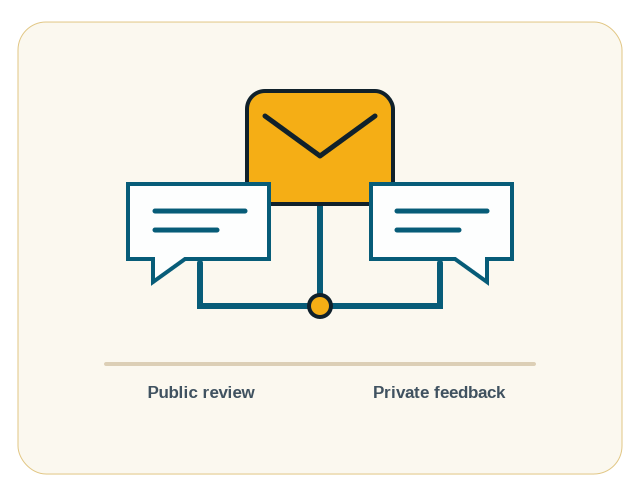
You can provide a separate private support option, but it must not replace the public review option for unhappy customers.
How much does setup cost?
It depends on the locations, channels, existing tools and support you need. We agree on the scope and price before you commit.
Will this guarantee a higher Google ranking?
No. We help you set up a consistent review process, not promise placement, a rating or a review count.
YOUR NEXT STEP
Choose when your team should ask.
Bring the location or locations you serve and tell us how you mark a job or appointment complete.