Skip to content
Effective Google My Business Posts Strategy
Practical Google Business Profile Post Strategy — Optimize GMB Posts to Drive Local Engagement and Growth
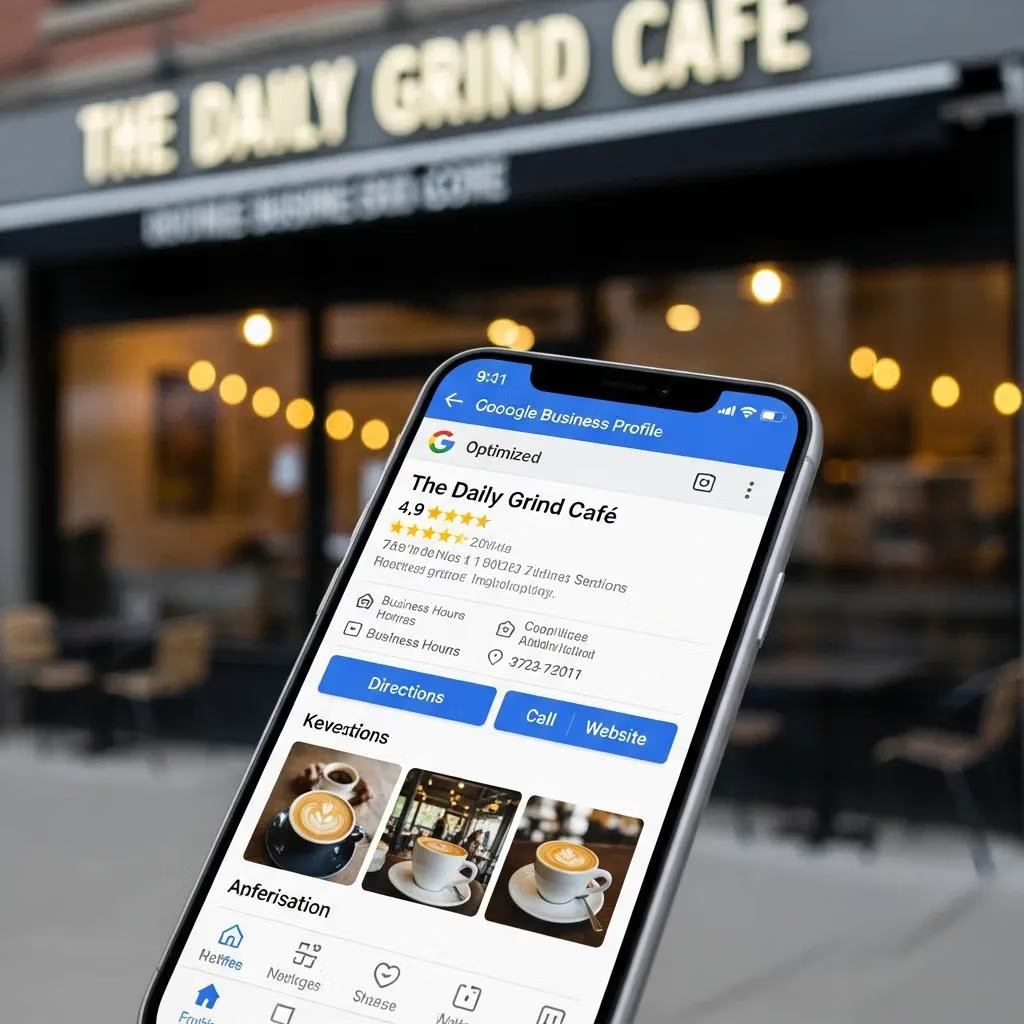
Google Business Profile posts (aka GMB posts) are short, action-focused updates that show up on your profile in Search and Maps. They’re a simple way to boost local visibility, prompt clicks or calls, and turn profile views into measurable leads. This guide walks local business owners and marketers through a practical GMB playbook — post types, writing and visual best practices, scheduling, measurement with UTM and GMB Insights, AI-assisted workflows, and real-world results. If you’ve struggled to convert profile activity into customers, this article gives repeatable templates, a posting cadence, tracking tips, and scaled-creation tactics so you can start implementing today.
What Are Google Business Profile Posts and Why Are They Essential for Local SEO?
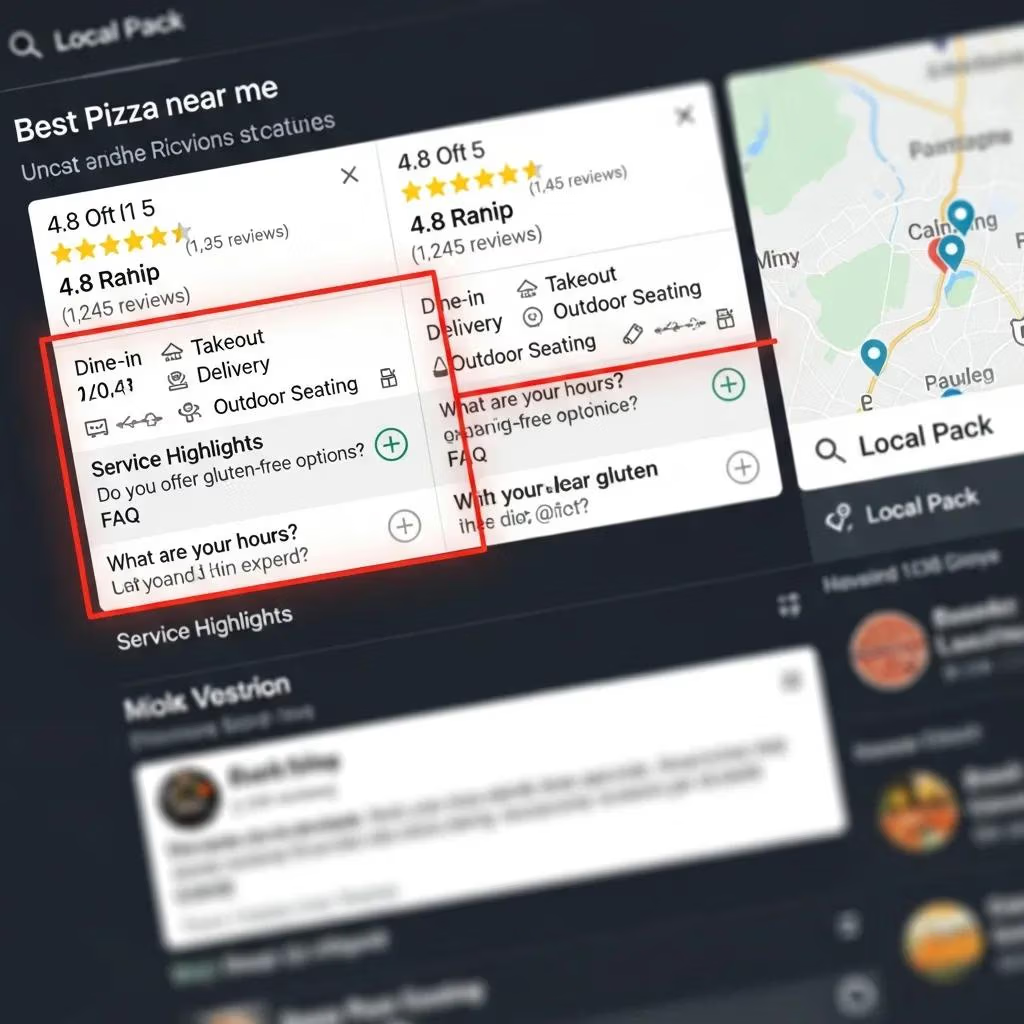
Google Business Profile posts are short, dated updates you publish to your public profile that appear in Search and Maps and invite local customers to act. They matter because they add freshness and relevancy signals to your profile and give visitors a clear next step — whether that’s clicking a link, calling, or asking for directions. For local SEO, consistent, relevant posts reinforce your topical relevance for nearby queries and can improve engagement metrics that matter for Map Pack visibility. Knowing which post type to use — offer, event, product, or announcement — helps you match the format and CTA to the outcome you want.
Different post types serve different goals and audiences. Use the table below to match format, primary use-case, recommended CTA, and typical lifespan so you publish the right post for each campaign.
| Post Type | Primary Use-case | Recommended CTA & Lifespan |
|---|---|---|
| What’s New | Announcements, quick updates, short news | CTA: Learn more — short visibility (7–14 days) |
| Offer | Discounts, coupons, limited-time deals | CTA: Redeem offer / show terms — runs with the offer (up to 30 days) |
| Event | Classes, workshops, open houses, seasonal events | CTA: Register / Get tickets — visible through event date |
| Product | New items, featured services, highlighted inventory | CTA: Buy or Learn more — 14–30 days depending on stock |
Use What’s New for timely notices, Offer posts to drive immediate conversion, Event posts for time-bound registrations, and Product posts to showcase inventory or core services. The sections that follow give concrete examples and templates you can apply right away.
What Types of GMB Posts Can Local Businesses Use?
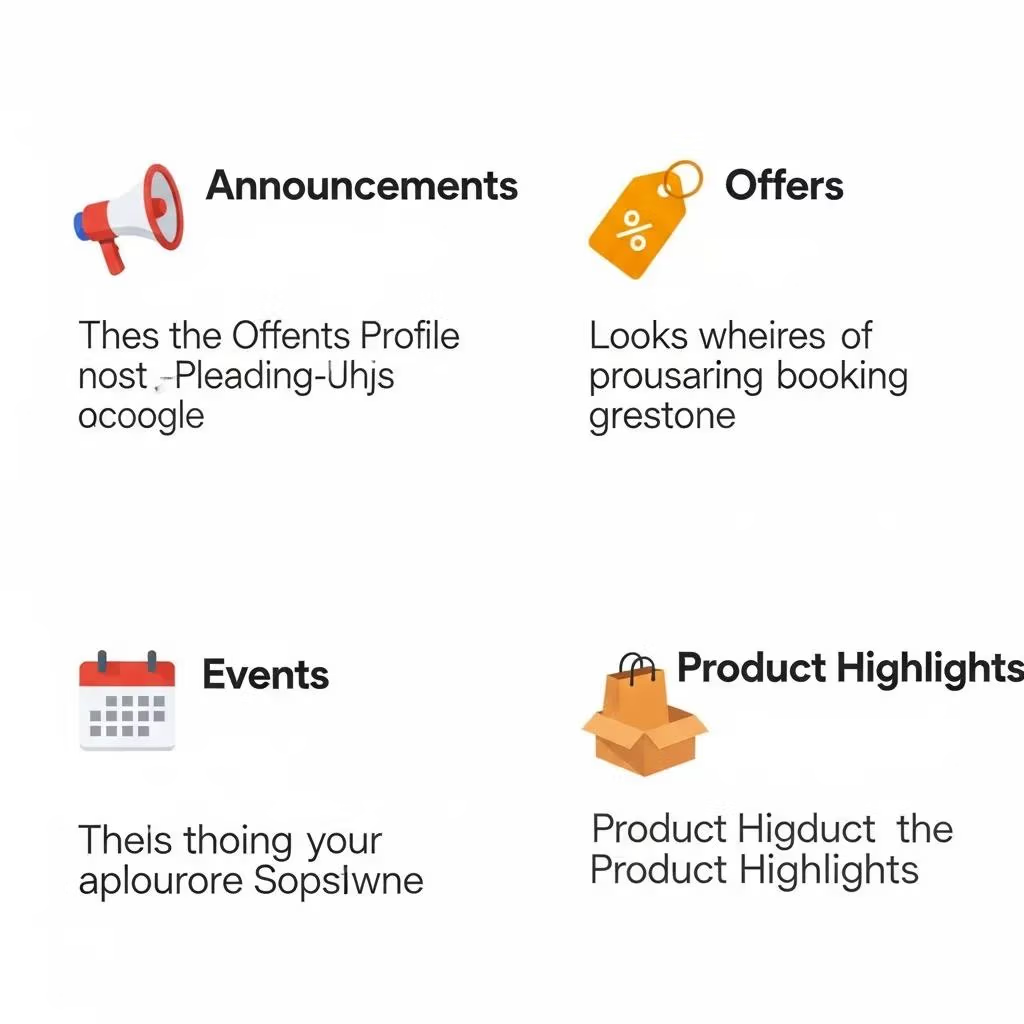
GMB supports several post types, each built to prompt a single customer action and to supply useful metadata for search engines and users. What’s New posts work well for updates like holiday hours or service changes — pair one with a strong image and a Learn more CTA. Offer posts promote discounts or coupon codes — include clear redemption steps, an end date, and a Redeem CTA. Event posts advertise classes, openings, or seasonal happenings — add dates, registration links, and a Register or Get tickets CTA. Product posts spotlight one item or service with a short description, price or variant info, and a Shop or Learn more CTA to drive discovery.
Practical examples: a restaurant runs an Offer post for a weekend prix-fixe with a Redeem CTA and a 10-day run; a plumber posts a What’s New notice about emergency availability with a Call CTA and a short lifespan. Image specs matter: use sharp landscape photos (minimum 720×540), name files with descriptive local keywords, and add clear alt text — all of which help both users and search engines. These formats make it easier to track what drives visits, calls, or bookings.
How Do GMB Posts Improve Online Visibility and Customer Engagement?
GMB posts boost visibility by keeping your profile fresh and relevant — search engines and users look for recent activity when evaluating local results. Posts with compelling visuals and single, clear CTAs drive more interactions; those interactions (views, clicks, direction requests) are signals that can influence Map Pack placement. To increase engagement, use action-oriented copy and local keywords, and show people or real product context in images. Always route CTAs to tracked URLs or distinct phone numbers so you can attribute profile activity to revenue-generating actions.
Mini-case: a service business moved from sporadic posts to a weekly event/offer rhythm and saw higher view-to-click rates because visitors consistently found current incentives and obvious next steps. Those same principles underpin the tactical guidance on headlines, descriptions, and visuals that follows.
How Do You Create Compelling and Effective Google My Business Posts?
Great GMB posts combine a tight headline, a benefit-first description, an optimized image, and a single, matched CTA. Prioritize the first 100 characters of the description for your main value proposition and include a local modifier (city or neighborhood) in the headline when relevant. Label image files with descriptive keywords and add alt text that includes a local signal. Use one direct CTA — Book, Call, Learn more, or Buy — and make sure the landing page fulfills the promise in the post for a smooth conversion. Follow the checklist below every time you publish.
Use this step-by-step checklist to craft every post:
- Headline: Under 58 characters; start with an action verb and add a local modifier when useful.
- Description: Lead with the benefit in the first 100 characters, include one natural local keyword, and end with a clear CTA.
- Visual: Upload a 720×540+ image, name the file with semantic keywords, and write concise alt text describing the image and location.
- CTA & Link: Pick one CTA that matches the goal and use UTM-tagged links to track conversions.
- Publish & Monitor: Post at the best time for your audience and review performance in GMB Insights after 7–14 days.
Following this repeatable process shortens the path from discovery to conversion. If you prefer to outsource, a content partner can produce consistent on-brand headlines and descriptions that follow these rules.
What Are Best Practices for Writing Headlines and Descriptions in GMB Posts?
Headlines should be action-focused, include a local anchor when it helps, and state a clear benefit — they’re scanned quickly and can be truncated on mobile. Try templates like “Book [Service] in [City] — [Offer]” or “Weekend Special: [Benefit]” to combine action, location, and value. Descriptions should front-load the value in the first 100 characters (what the customer gets and why it matters), then add brief details and a CTA. Avoid stuffing keywords — use one local term naturally and rely on alt text and filenames to reinforce semantics. These techniques improve scannability and push readers toward the CTA.
Run headline tests to learn which phrasing converts: action-first for transactions, benefit-first for awareness, and city-first for hyperlocal searches. Those headline learnings feed directly into visual optimization for stronger overall performance.
How Can You Optimize Visuals and Calls to Action in GMB Posts?
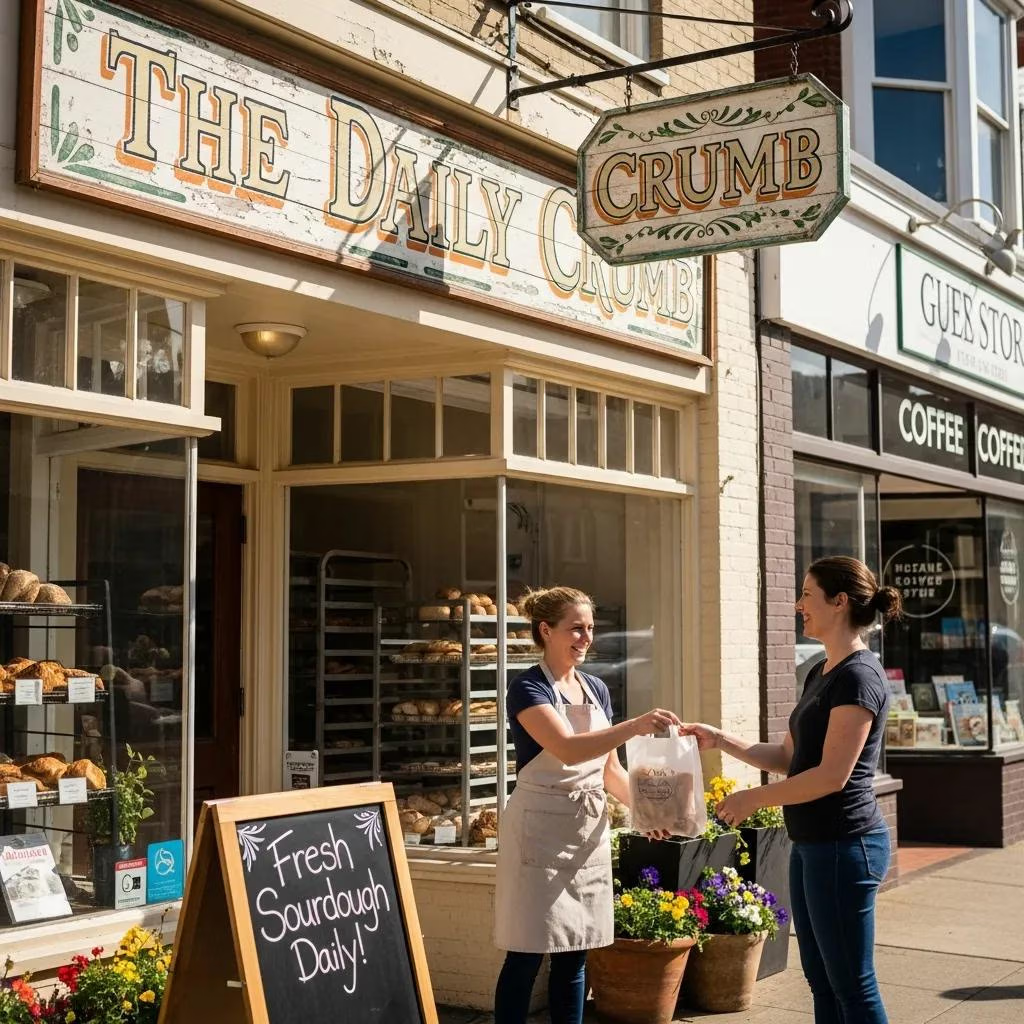
Choose images that show the customer outcome, meet resolution requirements, and use semantic filenames and alt text for accessibility and SEO. Prefer bright, high-contrast photos that place the service or product in context — customers with staff, completed work, or product close-ups — and avoid relying solely on text overlays. Name files and write alt text with a concise description plus a local modifier when relevant (for example, file: bakery-fresh-loaves-downtown.jpg; alt: “fresh loaves at downtown bakery”).
Test CTAs with simple A/B experiments — Call vs. Book vs. Learn more — over a two-week window. Use UTM tags and call-tracking numbers where feasible so you can attribute which CTA drives the best results. Tightening visuals and CTAs together improves the signals GMB sends back to Insights and makes iterative optimization faster.
What Are the Best Strategies for Scheduling and Optimizing GMB Posts for Local SEO?
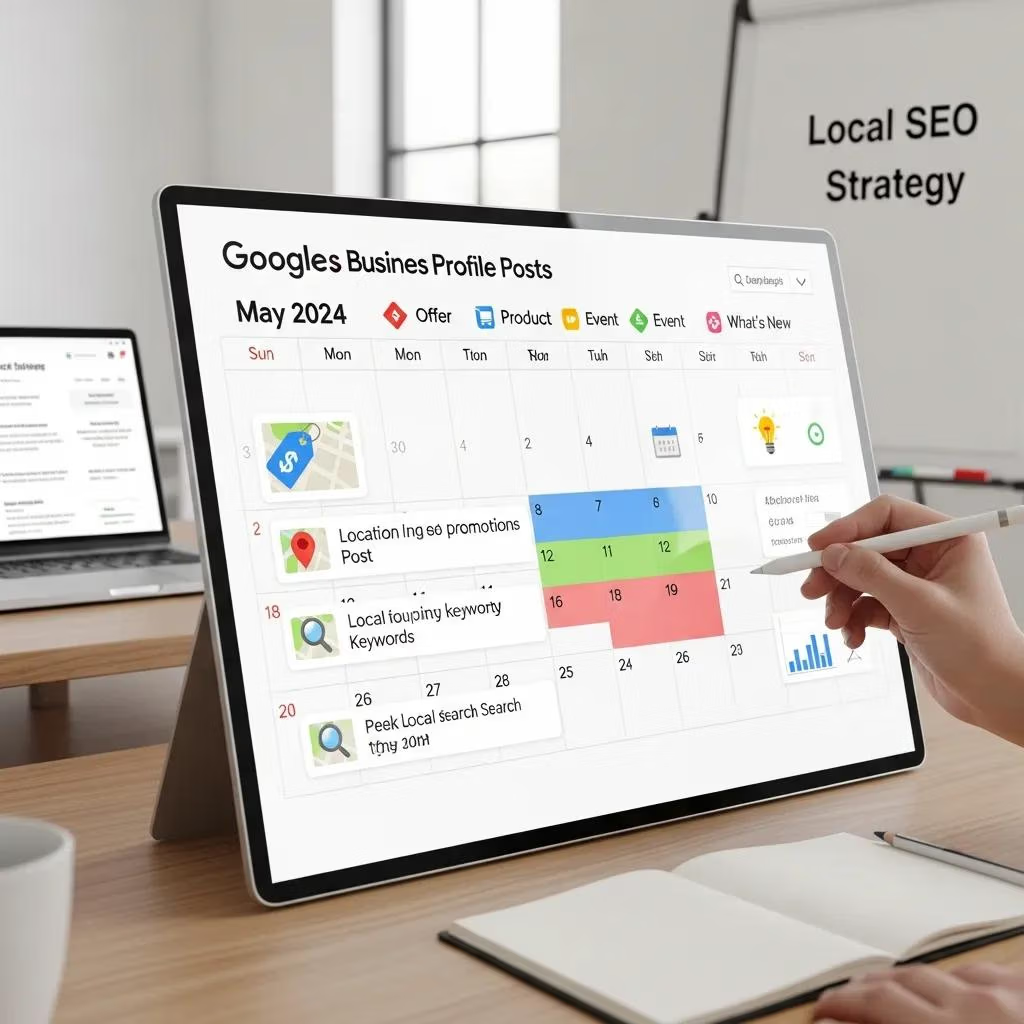
Schedule GMB posts to balance consistent freshness with content variety: regular What’s New posts keep your profile active, Offer posts drive conversion windows, and Event posts concentrate attention around specific dates. Because most posts see peak visibility in the first 7–14 days, a weekly baseline cadence maintains continuous activity while longer-running Offers and Event promotions extend when needed. Build a monthly content calendar that alternates post types, ties into promotions and events, and includes review-driven content and local keywords for authenticity.
A practical posting cadence to start with:
- Weekly baseline: One What’s New post per week to maintain freshness.
- Conversion bursts: Offer posts during promotions, typically 2–4 weeks.
- Event promotions: Begin Event posts 3–4 weeks out, with reminders closer to the date.
Put this cadence into a simple calendar that maps post type to marketing goals and ensures variety across the month. The next section explains how to adjust frequency by business type and seasonality.
How Often Should You Post on Google Business Profile for Maximum Impact?
For most local businesses, one post per week is a reliable baseline: it keeps profiles active without overburdening staff and creates enough data to test messaging and CTAs. Businesses with heavy events or seasonal demand should increase cadence to 2–3 posts per week during peak times and lean on Offer posts to capture high-intent moments. Use GMB Insights to refine frequency — if weekly posts lose traction, change timing or format to re-engage your audience.
Start weekly, review performance, and iterate based on engagement and conversion metrics — this ties your schedule directly to measurable results and primes you for adding UGC and local keywords.
How to Integrate Local Keywords and User-Generated Content in GMB Posts?
Include city or neighborhood names naturally in headlines and alt text without repeating them to the point of spam — the local modifier should help searchers, e.g., “emergency plumbing in Midtown.” User-generated content (UGC) — customer photos or short review quotes — increases authenticity. Ask permission, credit the customer, and add a brief caption that connects the image to the service. Use simple templates to collect consent and attribute images (first name + service context) when allowed.
When combined with a content calendar, local keywords and UGC build trust: UGC supplies social proof while local terms align posts to nearby searches. That sets the stage for measurement approaches that quantify how these tactics affect leads and revenue.
How Can You Measure and Enhance the Performance of Your Google My Business Posts?
Measure GMB performance by mapping GMB Insights metrics to your business KPIs and using UTMs and call-tracking to attribute conversions. The key is linking profile interactions (views, clicks, direction requests) to outcomes (website leads, calls, bookings) so you can optimize posts based on what actually produces revenue. Run regular analytics reviews — weekly for active campaigns, monthly for trends — and conduct A/B tests for headlines, images, and CTAs. The table below translates common GMB metrics into what they signal and how to act.
| Metric | What It Indicates | Action / How to Track |
|---|---|---|
| Post Views / Impressions | Profile visibility and reach | Refine headline/keywords; compare performance by post type |
| CTA Clicks (Website) | User interest progressing to your site | Use UTM parameters to track conversions in analytics |
| Phone Clicks / Calls | High-intent leads | Use call-tracking numbers to attribute calls |
| Direction Requests | Intent to visit in person | Compare with foot-traffic or in-store offers |
| Photo Views | Visual engagement signal | Test image styles and alt-text variations |
This mapping prioritizes which metrics drive downstream actions. With proper tracking you can build a tight optimization loop where analytics inform creative and scheduling choices.
What Key Metrics Should You Track in GMB Post Analytics?
Track post views, CTA clicks, website clicks, phone clicks, and direction requests as primary signals — they map directly to awareness and conversion. Post views show reach; low views with high clicks suggests highly targeted content, while high views with low clicks point to weak CTAs or mismatched visuals. Always tag CTA links with UTMs so you can trace sessions and goal completions in analytics platforms and compute conversion rates from profile view to lead. For phone clicks and directions, rely on call tracking and correlate direction spikes with in-store promotions to validate impact.
Once metrics are in place, run weekly creative tests and monthly performance reviews to iterate on the highest-impact levers. The next section shows how to convert comments and reviews into repeatable post content.
How to Respond to Comments and Leverage Reviews Through GMB Posts?
Reply promptly to comments to protect your reputation and boost engagement: thank positive reviewers, answer practical questions, and handle complaints offline when possible (invite the reviewer to continue via phone or email). Turn positive reviews into post material by quoting short snippets (with permission) and pairing them with a related product or service image to create social-proof posts. Moderation rules: aim to respond within 48 hours, keep a professional tone, and never share private customer details publicly.
Repurposing reviews into posts is low-cost and often outperforms straight promotions because it shows real customer experience. These workflows scale well when combined with AI tools that draft replies and surface review trends for prioritized responses.
How Does AI Technology Improve Google My Business Post Creation and Optimization?
AI speeds up post creation by suggesting headlines and descriptions, recommending local keywords, and proposing optimal publish times based on past engagement. It can also help pick images and generate alt text, shortening time-to-publish while keeping semantic relevance. Best practice is a human-in-the-loop: let AI draft options, then have a marketer edit for brand voice and accuracy. The result is faster output without losing local authenticity. The following sections outline common AI features and how they integrate into workflows.
AI can help scale post volume and generate testable ideas, but quality control is essential to avoid generic or off-brand messaging. The next section lists typical agency tools and how they combine AI with manual review for dependable results.
What AI Tools Does Local Digital Buzz Use to Enhance GMB Post Effectiveness?
Local Digital Buzz applies AI for content ideas, local keyword suggestions, and scheduling recommendations while keeping human editors in the loop to verify local modifiers, character limits, and image alignment. This hybrid workflow produces weekly content calendars faster, supports rapid headline and CTA testing across locations, and preserves brand voice. Human review catches contextual errors and prevents AI-generated text from drifting off-brand, ensuring local accuracy and authenticity.
The agency example shows how AI accelerates production without replacing human judgment — the next part explains the measurable benefits AI scheduling and content suggestions bring to engagement.
How Can AI-Powered Scheduling and Content Suggestions Boost Engagement?
AI-powered scheduling analyzes historical engagement to recommend publish windows and cadence that maximize visibility per location. Content suggestion models create localized headline and description options tailored to neighborhood-level queries. Measured correctly, AI reduces guesswork around timing and helps scale personalized messaging across multiple locations, which can lift CTRs and conversion rates once humans refine the output. Run A/B tests of AI timing and CTA suggestions over several weeks to quantify improvements and adjust rules for seasonal shifts.
Treat AI recommendations as hypotheses for controlled experiments; with a human editor curating final copy, you capture efficiency gains while protecting local authenticity and quality.
What Are Proven Case Studies and Success Stories Demonstrating Effective GMB Post Strategies?
High-level case summaries show how disciplined GMB posting programs — targeted content, consistent cadence, and proper measurement — drive lead growth. The mechanism is compounding: timely posts with clear CTAs boost profile interactions, those interactions feed learning into future posts, and iterative improvements increase relevance and conversions. Agencies using a results-driven, collaborative approach that combines Local SEO, content, and AI report measurable gains in qualified leads and website conversions by focusing on post quality, cadence, and attribution.
Below is an anonymized summary of outcomes that illustrate how an integrated approach yields consistent improvements without revealing client specifics.
How Did Local Digital Buzz Help Clients Achieve Lead Growth Through GMB Posts?
Local Digital Buzz follows a structured playbook: audit, content calendar, AI-assisted drafts, human editing, and performance-driven iteration. That process improves CTA effectiveness and local relevance, increasing profile-driven leads. The agency’s “Hive” methodology coordinates SEO, copywriting, and local optimization to run weekly post cycles, optimize images and alt text, and link CTAs to tracked landing pages — making it possible to attribute leads back to profile activity. Typical outcomes include higher CTA clicks, more direction requests during campaigns, and better lead quality because messaging aligned with local intent.
This summary shows how combining services and technology — without inventing specific client numbers — can transform sporadic posting into a predictable lead channel for local businesses.
What Industry Statistics Highlight the Importance of Consistent GMB Posting?
Recent analyses show a large share of local searches interact with business profiles, and active profiles with photos and posts generate more user actions than inactive ones. The principle is simple: visual content and ongoing updates build trust and present clearer CTAs, which turn searches into visits or calls. Studies from 2023–2024 indicate profiles that publish regular content and collect reviews capture a disproportionate share of Map Pack clicks and in-store visits. For small businesses, investing in a repeatable GMB posting process often delivers higher ROI than occasional directory updates.
These findings back the practical advice in this guide and encourage businesses to treat GMB posts as a measurable channel within a broader local SEO program.
Impact of Google Business Profile on Local Business Success and Customer Engagement
This study examines how active Google Business Profiles influence local discovery and customer decisions. It explores how accurate business details — location, hours, contact info, website links, images, and reviews — affect consumer behavior and how an updated profile improves visibility on Google Search and Maps. Using surveys and usage data, the research expects to show that businesses with detailed, regularly refreshed profiles attract more customers, earn better feedback, and build higher trust among local searchers. Based on the study’s findings,
Research shows that detailed, regularly updated Google Business Profiles help businesses increase engagement and local search visibility.
SEO and Google My Business Strategies for Micro-Businesses in Underserved Areas
This community outreach project addresses limited market access and low digital literacy among micro-business owners in underserved rural areas. The program provides hands-on training in SEO basics and Google My Business setup and optimization to expand online reach. Delivered through participatory needs mapping, practical workshops, and ongoing mentoring, the training covers content optimization for search, profile setup on Google Search and Maps, and simple tactics local businesses can apply immediately. The reported outcomes focus on improved online visibility and practical skills for sustaining digital promotion.
Frequently Asked Questions
What are the common mistakes to avoid when creating GMB posts?
Common pitfalls include inconsistent posting, generic or irrelevant copy, missing CTAs, low-quality images, and not tracking outcomes. Avoid these by keeping posts timely, focused on one action, visually strong, and tagged with UTMs or call-tracking so you can measure what works.
How can businesses leverage customer reviews in their GMB posts?
Turn positive reviews into short social-proof posts (with permission): quote the highlight, add a related image, and link to the relevant product or service. This amplifies trust, shows real experience, and creates low-cost content that often outperforms purely promotional posts.
What role does local SEO play in the effectiveness of GMB posts?
Local SEO helps your posts show up for nearby searches. Use location terms naturally in headlines and alt text, include neighborhood signals when relevant, and align post topics with local search intent. That relevance increases the chance of appearing in the Map Pack and driving foot traffic.
How can businesses measure the success of their GMB posts?
Use GMB Insights for post views, CTA clicks, phone actions, and direction requests, and add UTMs and call-tracking to tie clicks to website conversions and calls. Regularly review these metrics to see which post types and CTAs generate real leads.
What is the best way to schedule GMB posts for optimal engagement?
Start with a weekly post to keep your profile fresh, supplement with Offers during promotions, and kick off Event posts 3–4 weeks ahead. Use past engagement to refine timing and increase cadence during busy seasons.
How can AI tools assist in optimizing GMB posts?
AI can suggest headlines, descriptions, local keywords, and optimal publish times and can draft variations for testing. Combine AI drafts with human editing to keep voice and local nuance intact while increasing output and speed.
Conclusion
A focused Google Business Profile post strategy is a high-impact, low-friction way to boost local engagement and drive measurable leads. Publish the right post types, use clear CTAs, follow the checklist for headlines and visuals, and track outcomes with UTMs and call tracking. Start with a weekly cadence, iterate with Insights and simple A/B tests, and scale with AI plus human review to keep local relevance. Implement these steps and watch your profile become a predictable source of traffic and bookings.